
Playbacks
Learn how to use Playbacks in TelemetryOS to automate and schedule content displays across devices
Playbacks in TelemetryOS
Playbacks in TelemetryOS automate the delivery of content across device networks. This feature enables organizations to control what content is displayed, when it appears, and on which devices, supporting a wide range of communication and scheduling needs.
Core Concepts
A Playback defines a set of content, scheduling parameters, and device targets. Content can include images, videos, and applications. Scheduling options cover start and end times, recurrence, and dayparting, while device targeting supports individual screens, groups, or locations.
Use Cases
Automated campaigns deliver marketing or informational content at scheduled intervals. Dayparting enables different content during specific periods such as business hours or weekends. Event-based Playbacks display content for special events, holidays, or emergency notifications.
Configuration
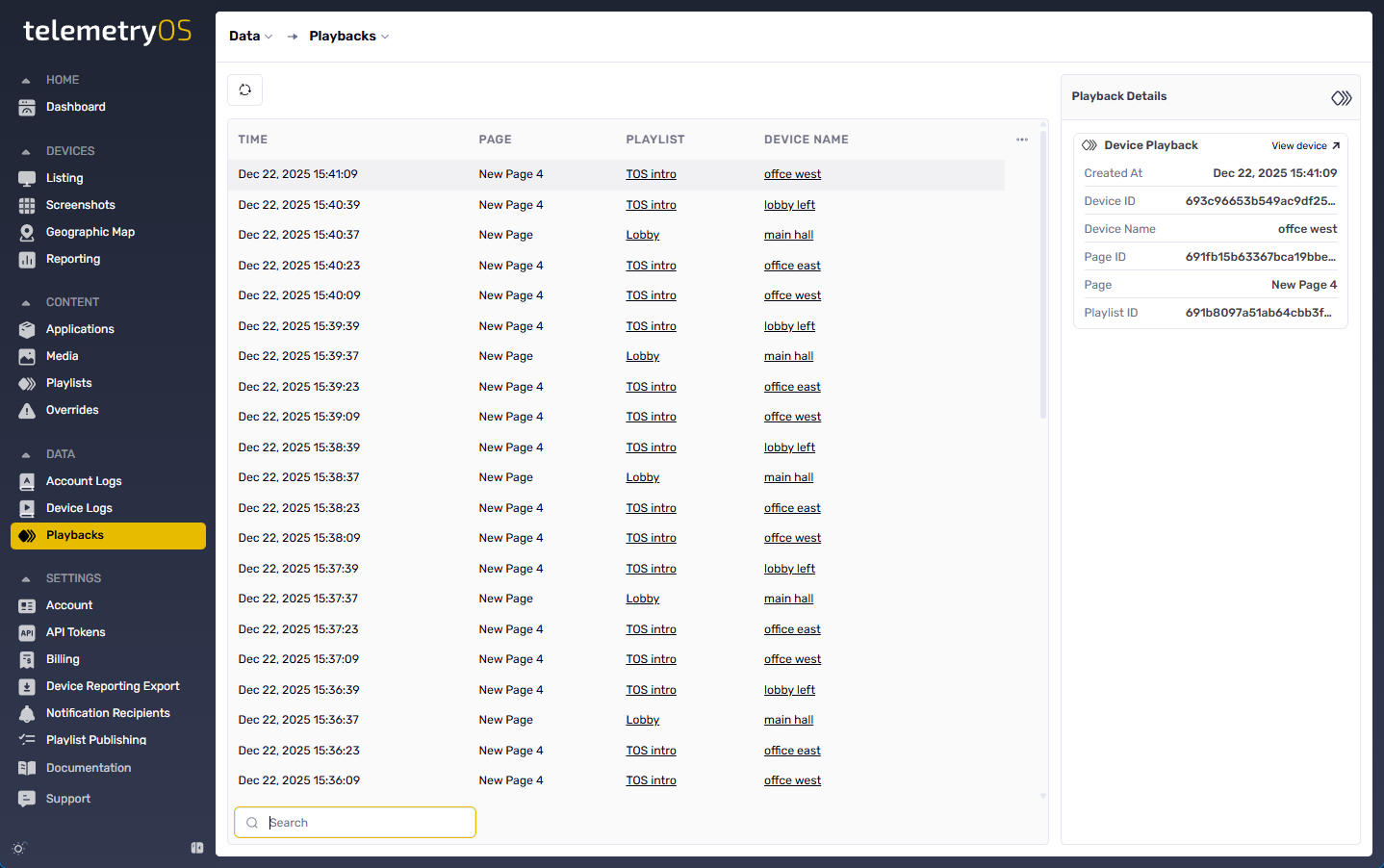
Playbacks are managed within the TelemetryOS dashboard. Each Playback includes a name, associated content, schedule, and device assignments. Content, schedules, and device targets can be edited at any time, and the system supports pausing, resuming, or deactivating Playbacks without deletion. Playback status and history are available for monitoring and auditing.
Best Practices
Use descriptive naming conventions to keep Playbacks manageable. Group devices logically by location or department to simplify targeting, and test Playbacks on a limited set of devices before large-scale deployment.
Related Topics
Updated 7 months ago