
Connecting a Device
Onboard devices via provisioning (recommended) or pairing
Connecting a Device
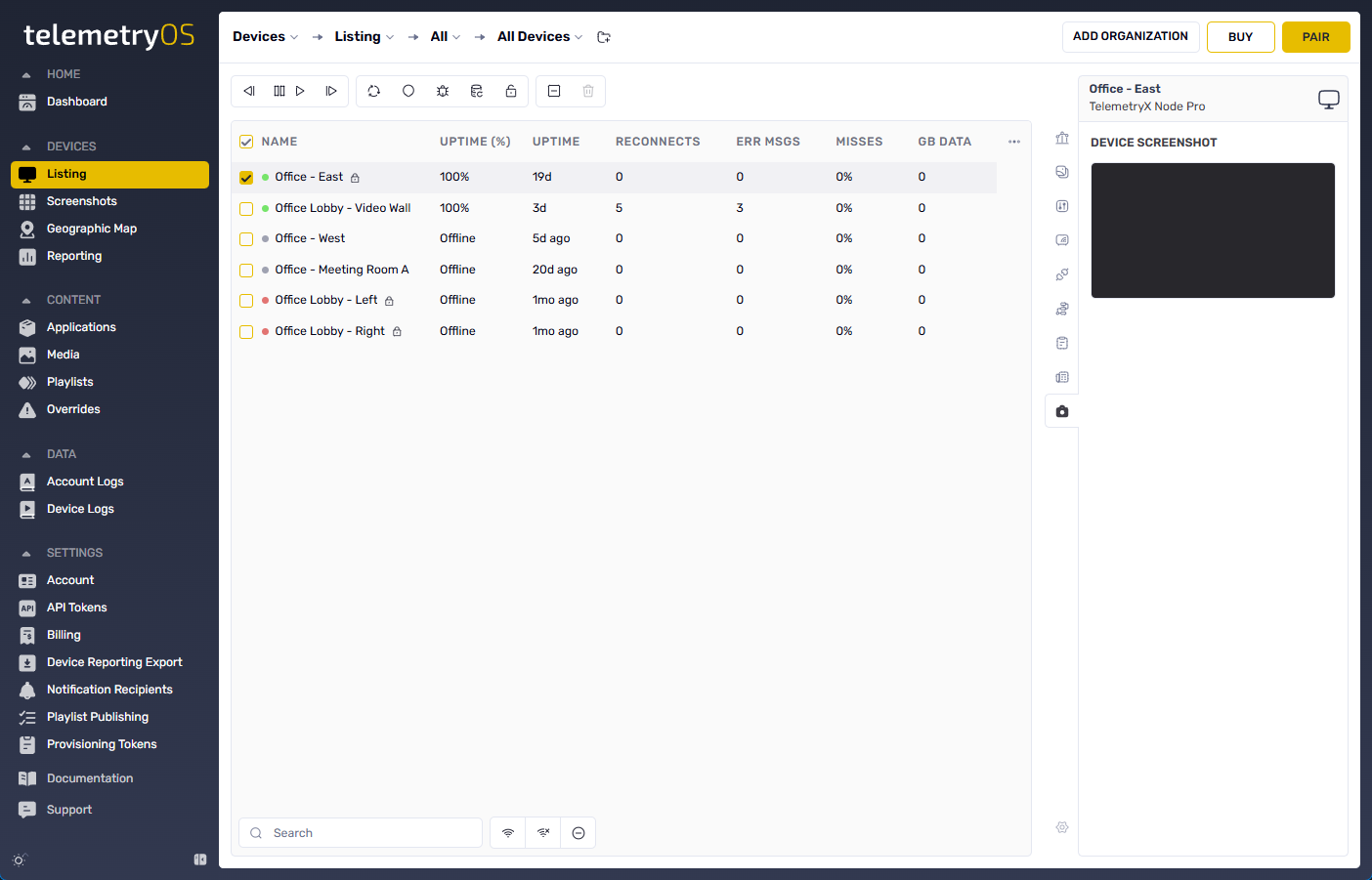
Device connection enrolls Node Pro or Node Mini hardware with the TelemetryOS platform. Enrolled devices appear in TelemetryOS Studio, receive applications and content, report health status, and respond to remote management commands. The enrollment process binds each device to a specific account and applies initial configuration settings.
Connection Methods
TelemetryOS supports two onboarding methods, each suited to different deployment scenarios.
| Method | Scale | Automation | Primary Use |
|---|---|---|---|
| Provisioning | 10+ devices | Fully automated | Production deployments, fleet rollouts |
| Pairing | 1-10 devices | Manual entry | Trials, testing, small installations |
Provisioning
Provisioning is the automated enrollment method for production and fleet deployments. Devices read provisioning tokens from USB drives or network configurations to securely enroll and apply settings without manual intervention.
Key characteristics:
- Provisioning tokens are generated in TelemetryOS Studio under Settings
- USB-based configuration uses
telemetry_config.jsonfiles on FAT32-formatted drives - Devices automatically enroll upon boot when a valid token is detected
- Default settings (device groups, playlists, policies) apply automatically during enrollment
- Token-based enrollment bypasses the pairing code screen entirely
Provisioning provides consistent configuration across large deployments and reduces per-device setup time.
Continue to Provisioning →
Pairing
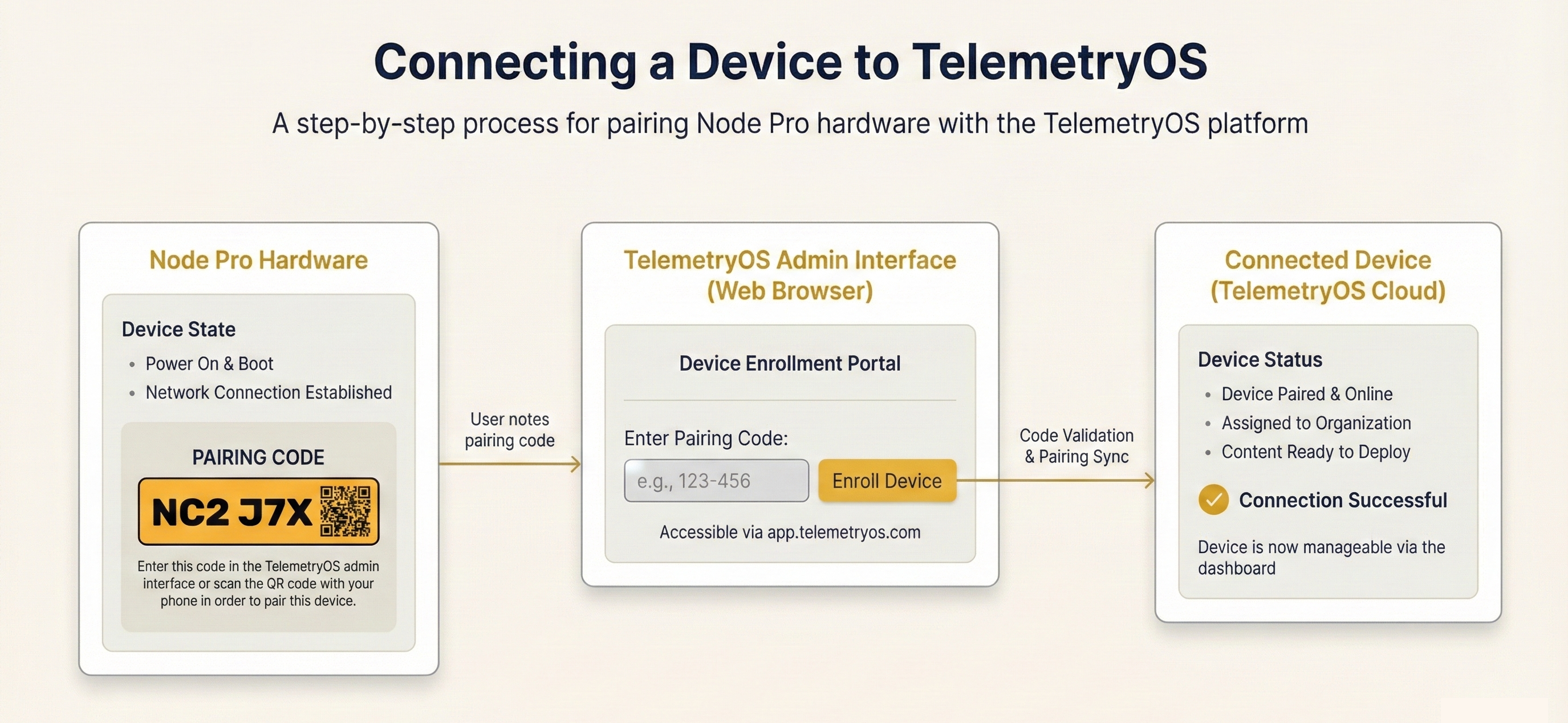
Pairing is the manual enrollment method for trials and small-scale deployments. Devices display pairing codes on-screen for entry into TelemetryOS Studio.
Key characteristics:
- Devices generate alphanumeric or QR codes upon reaching the setup screen
- Codes are entered manually in TelemetryOS Studio to complete enrollment
- Each device requires individual attention during the pairing process
- Network connectivity must be established before pairing codes appear
Pairing methods include code entry and QR code scanning.
Continue to Pairing →
Post-Enrollment
Once enrolled, devices appear in the TelemetryOS Studio device list with their serial number, MAC address, and connection status. From there, devices can be:
- Assigned to device groups for organized fleet management
- Configured with playlists, applications, or custom content
- Monitored for health, uptime, and performance metrics
- Updated remotely with new software or configuration changes
Device administration and configuration options are available through Device Administration.
Updated 7 months ago