
Audio Configuration
Configure audio output settings and volume controls
Audio Configuration
Audio interface controls sound output routing and levels:
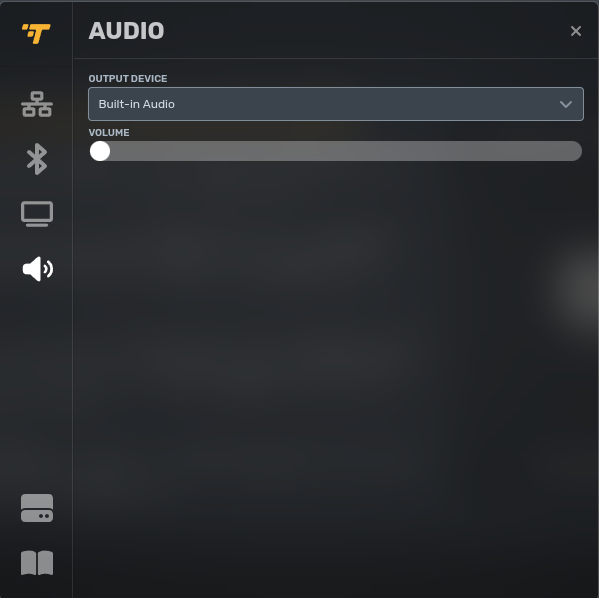
Audio settings:
- Output Device: Speaker selection (HDMI audio, analog out, USB audio, Bluetooth speakers)
- Volume: System-level volume control (0-100%)
HDMI audio output routes sound through display speakers. Analog or USB audio output uses dedicated audio hardware. Bluetooth audio routes to paired Bluetooth speakers.
Volume configuration sets system-level default. Application-specific volume controls (video playback, web content) may override system volume.
Updated 7 months ago
Did this page help you?