
Display Configuration
Configure display resolution, orientation, and screen settings
Display Configuration
Display interface controls visual output parameters:
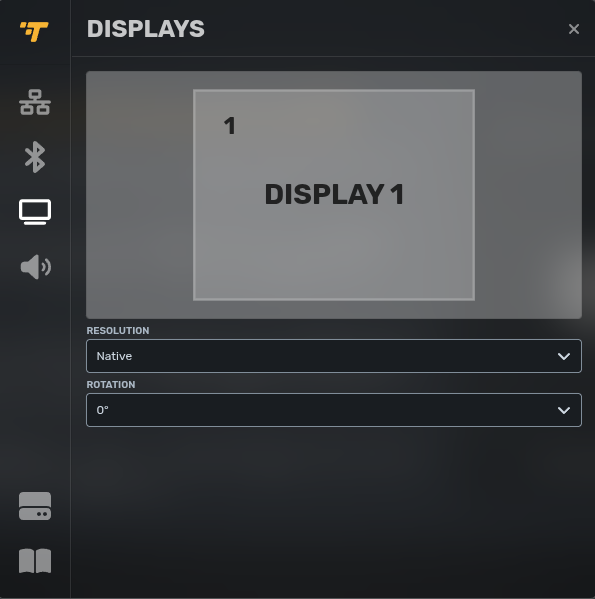
| Setting | Options | Impact |
|---|---|---|
| Resolution | Display native resolution or custom dimensions | Content clarity and screen fit |
| Rotation | 0°, 90°, 180°, 270° | Portrait vs. landscape orientation |
| Display Selection | Primary display or multi-monitor assignment | Multi-screen configurations |
Resolution considerations:
- Native resolution provides best clarity
- Custom resolutions support non-standard displays or video walls
- Mismatched resolution causes scaling artifacts
Rotation use cases:
- 90° or 270° for portrait-oriented signage
- 180° for ceiling-mounted or inverted displays
- 0° (default) for standard landscape orientation
Updated 7 months ago
Did this page help you?