
Embedding
Web content and external application integration in playlists
Embed displays live web content directly on screens without rebuilding for TelemetryOS.
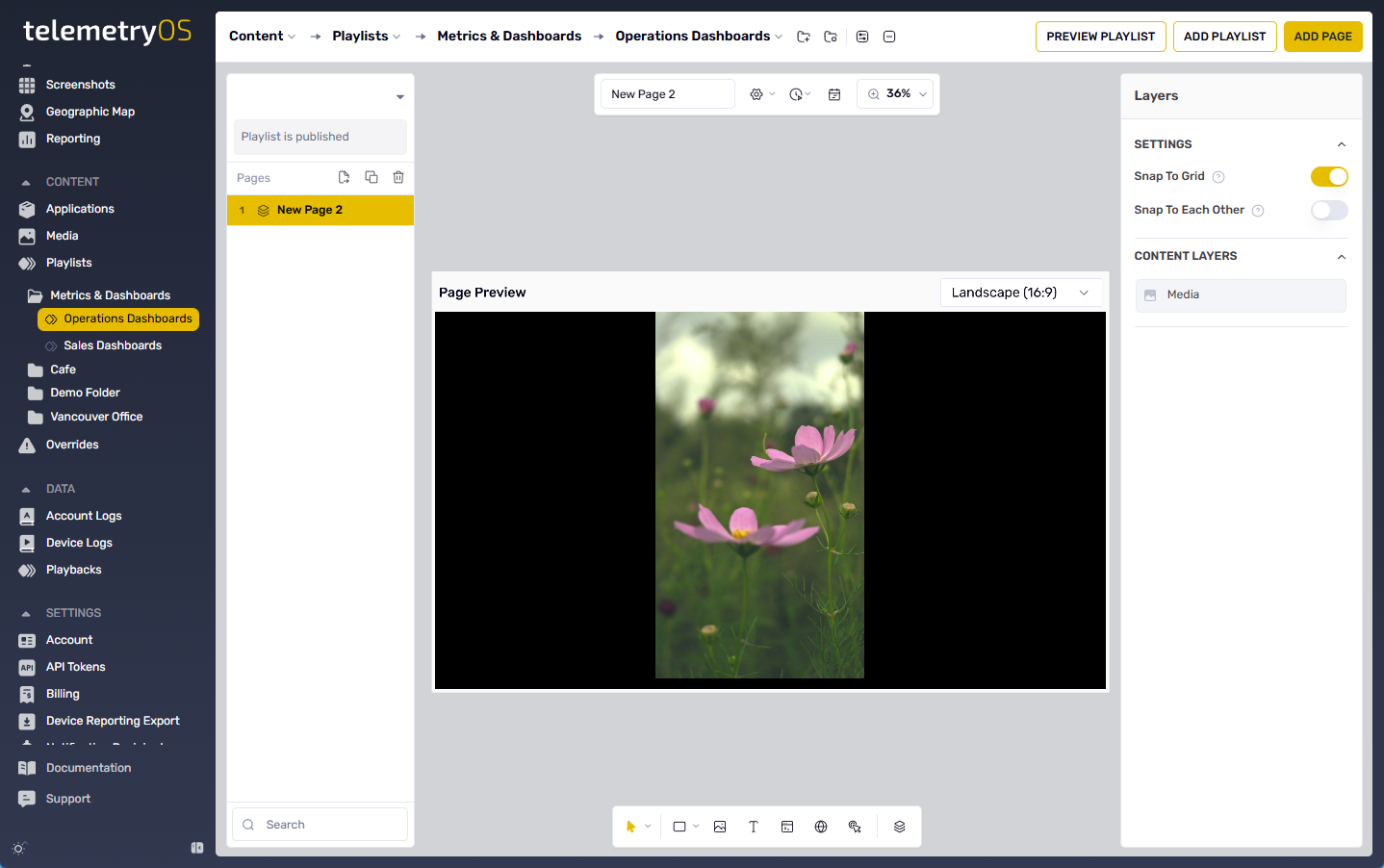
Embed Configuration
Playlist embedding is configured through the Website tab in the Playlists menu under CONTENT. The tab is located on the far right of the playlist interface.
Embed Mode includes two content delivery options:
- Live Webpage: Displays real-time web content
- Image Capture: Renders webpage as static image
A valid website URL is required. The CONFIRM button activates the embedding configuration.
Capabilities
The Embed feature inserts external web content or apps (iframes, widgets, internal React components) directly into screen compositions.
Supported features include:
- Responsive Sizing: Automatic layout adjustment
- Display Modes: Fullscreen or framed presentation
- Interactive Input: Touch and keyboard support
- Layering: Native overlay compatibility
Use Cases
Common embedding applications include:
- Live dashboards
- Third-party microsites
- Booking and ordering widgets
- Analytics panels
- Rich IoT dashboards
Updated 10 months ago
What’s Next
Did this page help you?